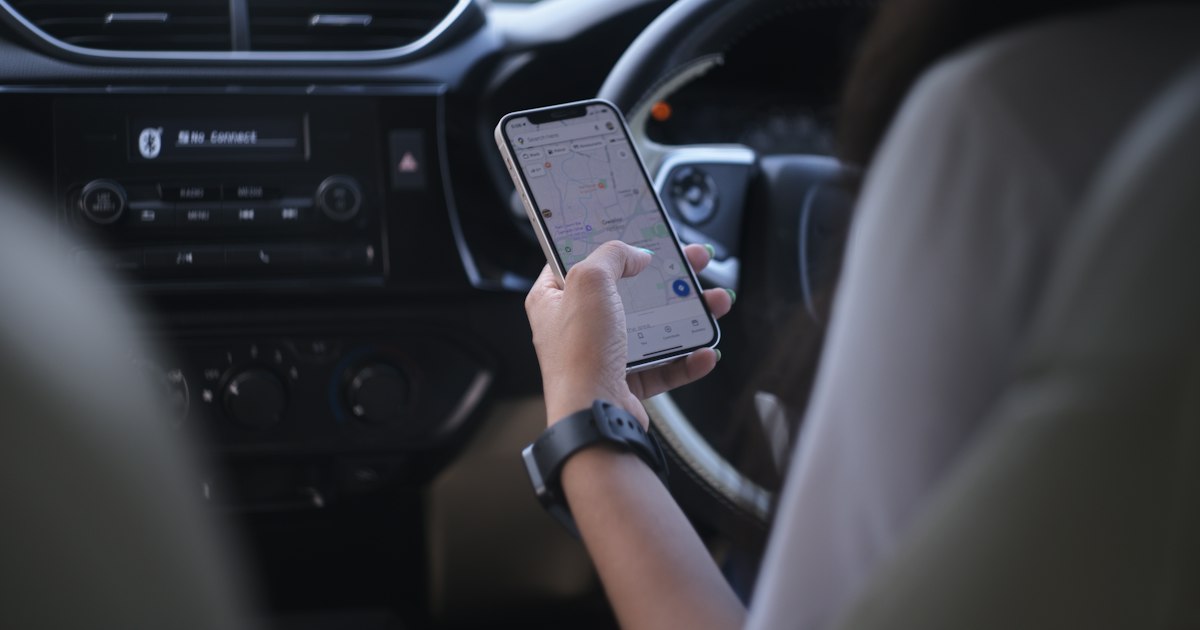
How to Renew Car Registration (Mulkiya) in Dubai Step by Step
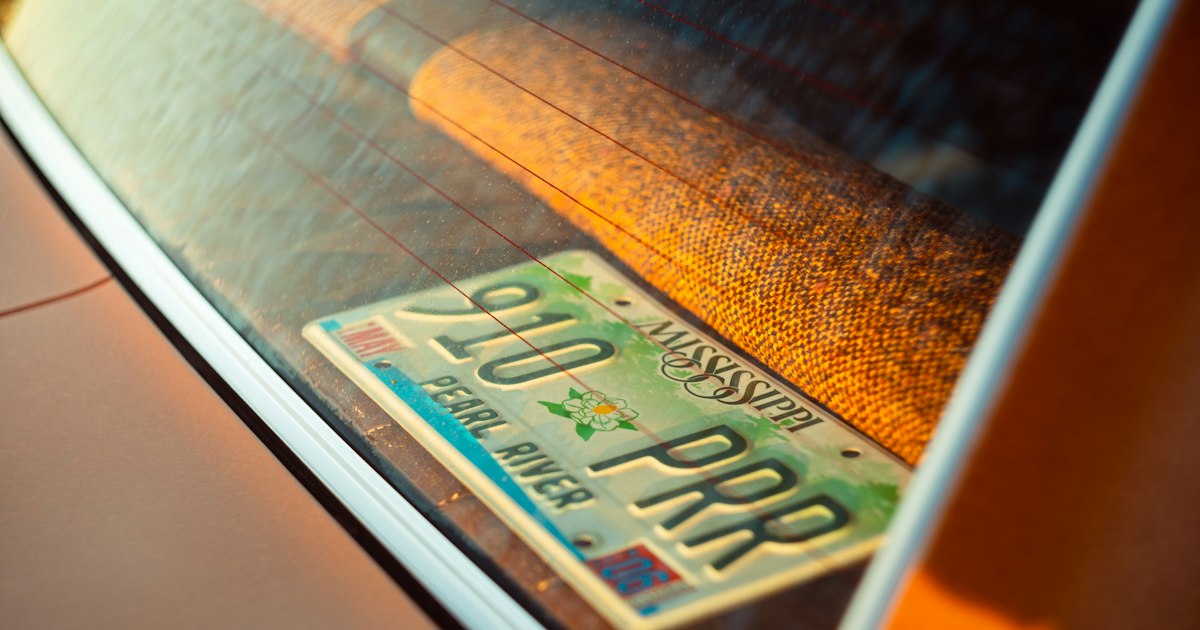
Every car in Dubai needs a valid registration. The registration card is called the Mulkiya. It shows the plate number, the car details, the registered owner and the expiry date. You must renew it every year, and driving with an expired registration can lead to fines.
The process is simple once you know the order. This guide walks you through it.
What you need before you start
Gather these first. It saves time later.
- Valid insurance. UAE car insurance must be active for the new registration period. If your policy ends soon, renew it first.
- Your Emirates ID. This is the UAE national identity card for residents.
- Your current Mulkiya. You can use the physical card or the digital copy.
- A valid UAE driving licence. The details on your traffic file should match your documents.
- A way to pay. Online payment by card is the usual option.
Rules and requirements can change. The RTA (Roads and Transport Authority, the body that regulates traffic and vehicles in Dubai) publishes the current rules on its website and app. Check there for your exact case.
Step 1: Check the expiry date
Look at the expiry date on your Mulkiya. Put a reminder in your calendar a few weeks before it. Do not wait for the last day. If something goes wrong, such as a failed test or a blocked renewal, you will want time to fix it.
Step 2: Renew your insurance
Registration and insurance go together. The system will not complete your renewal without valid insurance from a UAE insurer. Compare a few offers and choose a policy that covers the full registration year. Insurance is paid by you, so include it in your yearly budget.
If you are not sure what level of cover you need, ask the insurer to explain the differences between basic and comprehensive policies in plain terms. For a leased car, the lease agreement may set minimum insurance requirements, so read it first.
Step 3: Check and clear traffic fines
Open your traffic file on the RTA website or app, or check through the Dubai Police service. Look for unpaid fines.
Outstanding fines can block a renewal or add steps to it. Paying them before you start avoids surprises. If you think a fine is wrong, use the official objection process. Do not ignore it.
Also check your Salik account. Salik is Dubai's electronic toll system. An empty account does not usually stop a registration renewal, but unpaid toll charges can turn into fines. Top it up while you are checking everything else.
Step 4: Do the vehicle test, if it applies
Most cars need a technical inspection at an RTA-approved vehicle testing centre before the registration is renewed. The test checks basics such as brakes, lights, tyres, emissions and general condition.
Some newer cars may not need the test in their first years. The rule depends on the car and the current regulations. Check the RTA website for your vehicle.
Tips for passing the first time:
- Check all lights, indicators and the horn.
- Look at tyre condition and tread.
- Fix any warning lights on the dashboard.
- Make sure the number plates are clean and not damaged.
- Service the car before the test if it is due.
If the car fails, the centre gives you a report. Repair the listed issues and test again.
Step 5: Submit the renewal and pay
After insurance, fines and the test are in order, you can renew. There are usually several ways:
- Online or through the RTA app. This is the fastest option for many drivers.
- Self-service kiosks. These are available in some locations.
- Vehicle testing and registration centres. You can complete the whole process in person.
You will pay the registration fee and any related charges. The amounts depend on the vehicle and current RTA tariffs, so check the exact figure in the app or at the centre. Keep the payment confirmation.
Step 6: Get your new Mulkiya
Once the renewal is complete, you receive the updated registration. In many cases you can download the digital version straight away. A new card or sticker can be collected or delivered, depending on the option you chose. Check that the new expiry date and the car details are correct.
Common reasons a renewal gets stuck
| Problem | What to do |
|---|---|
| Insurance expired or not valid | Renew insurance first, then try again |
| Unpaid traffic fines | Pay them or follow the official objection process |
| Failed vehicle test | Repair the listed issues and retest |
| Details do not match | Check your Emirates ID, licence and registration details |
| Late renewal | Renew as soon as possible. Late renewal can bring fines |
Late renewal
If your registration expires, you should renew as soon as you can. Driving a car with an expired registration can lead to a fine, and late renewal can bring extra charges. The exact amounts and rules are set by the authorities, so confirm them with the RTA.
If your car is leased
Many people in the UAE drive a car that is leased, not bought for cash. The registered owner on the Mulkiya may be different from the person who drives the car every day. Before the first renewal, check your agreement and ask:
- Who handles the renewal, you or the lessor?
- Which documents do you need to provide?
- Are there insurance requirements for the lease?
- Who receives the new Mulkiya?
With lease to own, the client chooses a car from any dealer, the company buys it and leases it for a fixed monthly payment, and at the end of the term the client buys the car for AED 1,000. Insurance, Salik, traffic fines and maintenance are paid by the client. Ask about the renewal process when you discuss your terms, so you know the steps before the first renewal comes up.
Plan for yearly costs
Registration is not a one-off cost. It returns every year, together with insurance, Salik, maintenance and the occasional fine. When you decide on a car, look at the full cost, not only the monthly payment.
Here is an example of how a lease payment looks next to those costs.
Sample calculation, not an offer. The final terms depend on the car and the review of your application.
- Car price: AED 126,000 (Jetour T2)
- Initial payment: 20 % (AED 25,200)
- Term: 48 months
- Monthly lease payment: AED 2,688
- Purchase option at the end of the term: AED 1,000
The monthly payment in this example is fixed for the whole term. Registration, insurance, Salik, fines and maintenance come on top and depend on your car and how you drive. Add them up before you decide.
If you pay cash, or already own the car, these running costs still apply. The monthly payment is the only part that disappears.
A short checklist
- Note the expiry date and set a reminder.
- Renew your insurance.
- Check fines and your Salik balance.
- Complete the vehicle test if required.
- Renew online, at a kiosk or at a centre, and pay.
- Check the new Mulkiya and keep a copy.
Next step
If you are planning to get your own car and want to see what the monthly payment could look like, try the calculator. If you already know the car you want, you can apply online. The online decision takes about 1.5 minutes for cars up to AED 350,000. It is a decision, not an approval, and an application can be declined.