How to Pay RTA Traffic Fines in Dubai and Check Your Car
Traffic fines are part of owning or driving a car in the UAE. Most drivers get one sooner or later, often from a speed camera they did not notice. A fine is easy to deal with if you find it early. It becomes expensive and stressful if it sits unpaid for months.
This guide explains how to check fines on your car, how to pay them through official channels, and what to do to avoid surprises.
Who issues fines in Dubai
Not every fine comes from the same body. In Dubai you will mostly meet these:
- Dubai Police issues most traffic violation fines, such as speeding, red lights and unsafe lane changes.
- RTA (Roads and Transport Authority, the Dubai body that runs roads, public transport, parking and vehicle registration) handles paid parking, public transport and some other transport-related violations.
- Salik (Dubai's electronic toll system) charges tolls when you pass through a gate. If your account has no balance or your tag does not work, you may receive a Salik fine.
Fines from other emirates are recorded by the authorities there. A fine you receive in Sharjah or Abu Dhabi may not look the same as one in Dubai. Where you pay depends on who issued it, so check the details printed on the notice or in the message you receive.
How to check fines on your car
You do not need to wait for an SMS or a letter. You can check yourself at any time, free of charge, on the official websites and apps of the issuing authorities. Search for the official RTA and Dubai Police channels directly rather than clicking links from messages you did not expect.
Depending on the service, you will usually need one of the following:
- Plate number, together with the plate source (the emirate) and the plate category and code
- Traffic file number, which is linked to you as a driver or vehicle owner
- UAE driving licence number
- Emirates ID (your national ID card, which also proves your residence)
Enter the details exactly as they appear on your Mulkiya (the vehicle registration card). The result normally shows the date, place and type of each violation, along with the amount due.
What to look at in the result
Do not only look at the total. Check each line:
- Date and time. Were you driving the car then?
- Location. Does it make sense for your routes?
- Violation type. A fine for parking and a fine for speeding are different problems.
- Black points. Some violations add black points to your driving licence as well as a fine. Check the authority's website for how this works in your case.
If something looks wrong, the authority that issued the fine has its own process for questions and objections. Use the official channels for this and do not pay through an intermediary who promises to "cancel" a fine.
How to pay a fine
Once you know which authority issued the fine, you have several options. Exact options and any service fees change over time, so confirm the current ones on the official website before you pay.
- Official website or app. This is the fastest route for most people. You pay online by bank card after you enter your plate or file details.
- Service centres. Authorities have customer service centres where you can pay and ask questions in person.
- Kiosks and approved payment points. Some are available across the city. Check that the point is listed by the authority.
- Salik. If you have a Salik fine, you can use your Salik account or the official Salik channels.
Keep the payment confirmation. A screenshot or PDF is enough. If the fine still appears after a few days, you can show the receipt.
Be careful with fake messages
Fraudulent SMS messages and emails about "unpaid fines" are a known problem. They often include a link and a deadline to create pressure. Do not pay through a link in a message. Open the official app or type the official website address yourself and check there. If the fine is real, it will appear in your account.
Why unpaid fines are a problem
Leaving a fine unpaid rarely makes it go away. In general terms, unpaid fines can:
- Block registration renewal. Cars in the UAE need to pass the technical inspection and be registered every year. Outstanding fines can stop you from renewing.
- Grow over time. Many authorities add charges when a fine is not paid within a set period. Check the current rules on the official website.
- Lead to vehicle impoundment for serious violations, which brings extra cost and time.
- Complicate leaving the country or selling the car, because outstanding fines are linked to your record.
Paying early also keeps the picture simple. One or two small fines are easy to manage. A long list that you have not checked for a year is much harder.
Checking fines when you buy a used car
If you are buying a used car, check its fines before you pay anything. Fines are linked to the plate and the vehicle record, so a car can come with a history. Ask the seller for the Mulkiya and check the plate on the official channels. Also ask the seller to clear any amount due before the sale, and confirm with the authority that the record is clear after the transfer.
If you choose a car from a dealer, ask the dealer to show you the vehicle's status. It is a normal question.
Fines and the cost of a leased car
Fines belong in your monthly budget, not outside it. With lease to own, you choose the car, the company buys it and you pay one fixed monthly lease payment. Insurance, Salik, traffic fines and maintenance are paid by you. That means the monthly lease payment is only one part of what the car costs you each month.
Here is a simple way to plan:
- Salik: estimate how many gates you pass on a typical week and keep your account topped up.
- Parking: if you park in paid zones daily, include it.
- Fines: you cannot predict them, but you can keep a small reserve and a habit of checking.
- Insurance and maintenance: these are regular costs, and insurance is required each year.
If a lease and a stretched budget would leave no room for these extras, a cheaper car or a larger initial payment may be a better option. In some situations, buying a car for cash or a simple short-term rental will suit you better. This is especially true if you drive only occasionally or expect to leave the UAE soon.
Habits that help you avoid fines
A few small habits make a real difference:
- Check fines monthly. Pick a date, for example the first of the month, and look up your plate on the official channels.
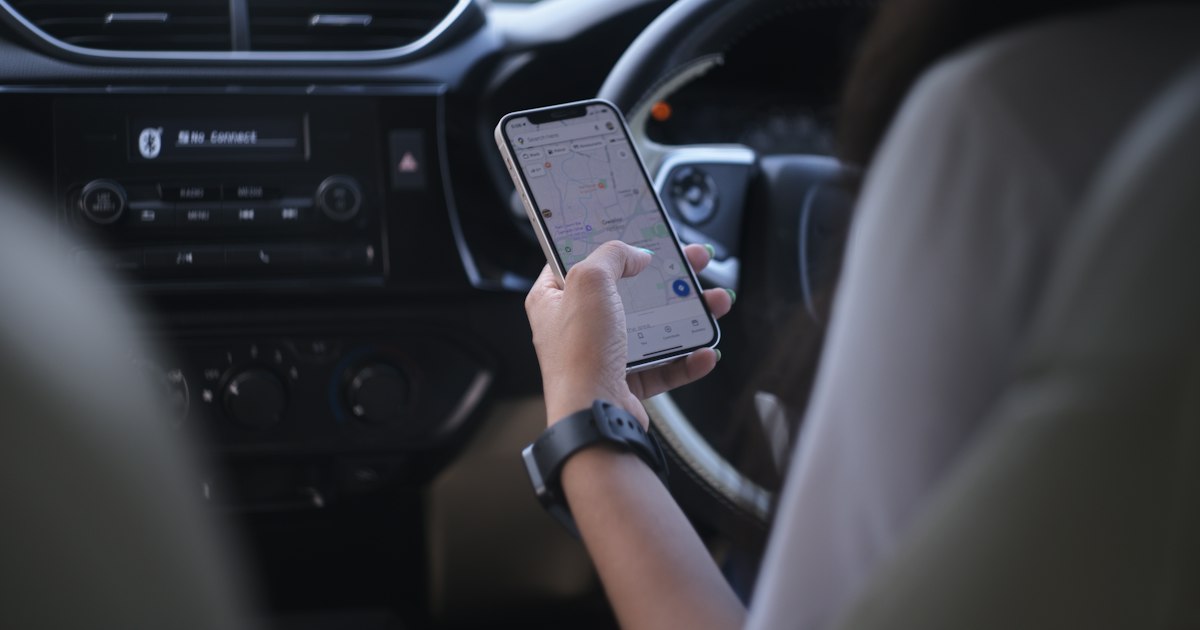
- Use navigation with speed alerts. Speed limits change often on UAE roads, and cameras are common.
- Keep Salik funded. Turn on balance alerts so a gate does not become a fine.
- Pay parking through official channels and note the end time of your session.
- Tell every driver of your car the rules. If family members or employees drive it, the fines still come to the vehicle and to you.
- Pay quickly. Settle fines as soon as you confirm they are yours.
A short checklist
- Find out which authority issued the fine.
- Check it on the official website or app, not through a message link.
- Compare the date, place and violation type with what you know.
- Pay through an official channel and keep the confirmation.
- Check again after a few days to make sure it is cleared.
- Do not leave fines until registration renewal.
For anything specific to your case, such as a disputed fine, a fine from another emirate or a car registered in someone else's name, contact the issuing authority directly. This guide gives general information and is not legal advice.
Plan the whole monthly cost
If you are thinking about getting your own car, include fines, Salik, insurance and maintenance in the budget before you decide. You can see the monthly lease payment for different cars, initial payments and terms in the calculator. When you are ready, you can apply online. An online decision takes about 1.5 minutes for cars up to AED 350,000. It is a decision and not an approval, so an application can be declined.